Subscription Management
How to cancel or reactivate a plan, how renewal works on each payment method, and how a paused plan resumes after an unpaid renewal.
Cancel a subscription
Cancel from the Plans page or from Account Settings (the Manage Subscriptions section): open the subscription and choose cancel. Canceling has three separate effects:
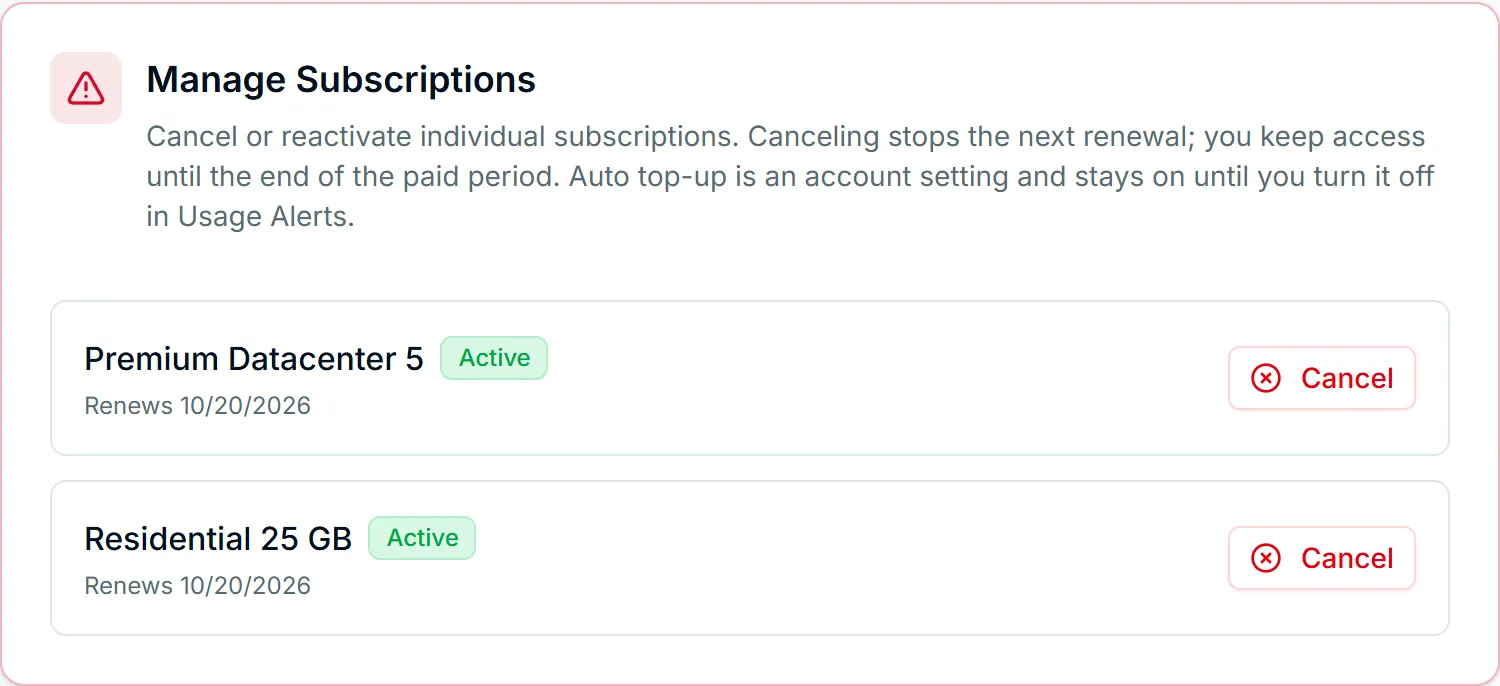
- Renewal stops now. The billing agreement at the payment provider is ended, so this subscription will not charge you for another period.
- Access continues until the paid period ends. Your proxies keep authenticating until the end of the period you have already paid for. When it ends, the proxies on that subscription deactivate and requests through them get a 407, the account-state cause described in fixing 407 errors.
- Auto top-up keeps running if you have it switched on. It is a setting on your account rather than on one subscription, so while you still have paid access it can still buy a bandwidth pack with the card on file. Cancellation does not switch it off for you. If you do not want that, turn it off yourself under Account Settings → Usage Alerts, before or after you cancel. Once your paid access ends there is nothing left for a pack to extend and it stops on its own.
Canceling does not close your Node4 account. Your login, order history, invoices, API keys and whitelist entries all stay. The FAQ covers the other billing questions that come up around cancellation.
Reactivate a canceled subscription
While a canceled subscription is still inside its paid period, Account Settings offers a reactivate action next to it. If the payment provider can still resume the billing agreement, reactivation switches renewal back on at the same price. If the provider has already ended the agreement (some cancellation paths are irreversible on the provider's side), the dashboard tells you to start a fresh checkout instead.
A fresh checkout creates a new subscription on the same account; your settings, whitelist and API keys are untouched. Once a canceled subscription's period has fully ended, that is always the route back. (A plan paused after an unpaid renewal is different: it was never canceled, and paying its renewal resumes it, as described below.) Resources released after a lapse are not held for you, so re-subscribe sooner rather than later if you want the same plan.
Renewal
Renewal depends on the payment method behind the subscription.
Card and PayPal renew automatically. At the end of each period the payment method on file is charged, the period rolls forward, and your bandwidth allowance resets.
Crypto (Bitcoin or USDT on the Tron network, TRC-20) cannot renew automatically, because a payment cannot be pulled from a wallet. Instead, the renewal invoice is emailed to you 14 days before the renewal date, with reminders 7 days and 24 hours before it. Pay it from the email's link or from Orders, with Bitcoin or with USDT (TRC-20), and the period rolls forward exactly as a card renewal does. An on-chain payment takes time to confirm, so pay a day or two early rather than on the renewal date itself. The payment page for a USDT renewal is open for 30 minutes (Bitcoin: 60), so have the USDT ready before you open it, and send it on the Tron network only.
The one exception is account credit. If the credit on your account covers a crypto renewal in full, the renewal is paid from it automatically and you have nothing to send. Credit that covers only part of it is not spent on its own: it comes off the price when you pay the renewal invoice with Bitcoin or USDT, and you send the rest. Card and PayPal renewals are charged in full and leave your credit untouched.
If a renewal is not paid
A failed renewal (an expired or declined card is the usual case, a PayPal payment that did not go through, or a crypto renewal invoice still unpaid on the day) puts the subscription past due on its renewal date:
- Your proxies pause, and your IPs are held. Requests through them stop authenticating from the renewal date, but the same addresses stay reserved for you for 14 days. Pay inside that window and the plan picks up where it left off, on the same IPs.
- Card renewals retry by themselves on the renewal date and again 2, 5, 9 and 12 days after it. Update the saved card under Account Settings and the next attempt uses it. PayPal runs its own retries on the agreement.
- You get a reminder email on the renewal date and 3, 6 and 12 days after it, each with a link to the renewal invoice. Pay it there with a card typed on the page, with Bitcoin or USDT (TRC-20), or, on a PayPal plan, with a one-click PayPal retry. The link works without logging in.
If the renewal is still unpaid after 14 days, the plan is paused, not canceled. Its IPs go back to the pool, nothing more is charged, and the reminders stop. A PayPal agreement is suspended rather than canceled, so it cannot bill a plan that has no IPs. The subscription stays on your account, and only you can cancel it.
To come back, use Resume your plan on the Plans page, or the pay link in any of the reminder emails. Paying the renewal invoice resumes the plan straight away with fresh IPs, and the new billing period starts on the day you pay. We email the new proxies to you as soon as they are live.
Where subscriptions are listed
The Plans page lists every subscription on your account with its status, the period it covers and when that period ends. A canceled subscription stays listed until its paid time runs out, because you still have service until then. A plan paused after an unpaid renewal stays listed too, with its Resume your plan button.
Change the plan instead
If the plan no longer fits (too much allowance, too little, the wrong product), ask support about moving to another size or product before you cancel or buy again. Support explains the move on the ticket and agrees with you how any unused paid time is handled. See changing or upgrading your plan for the options, and /pricing for the current plans. Every charge, renewal or otherwise, appears in your invoices.
If you would rather not keep a card on file, paying with Bitcoin walks through that checkout and what it changes about the account.